Turn messy triangles into clean quads
Fast, predictable quad remeshing for Blender 4.2+
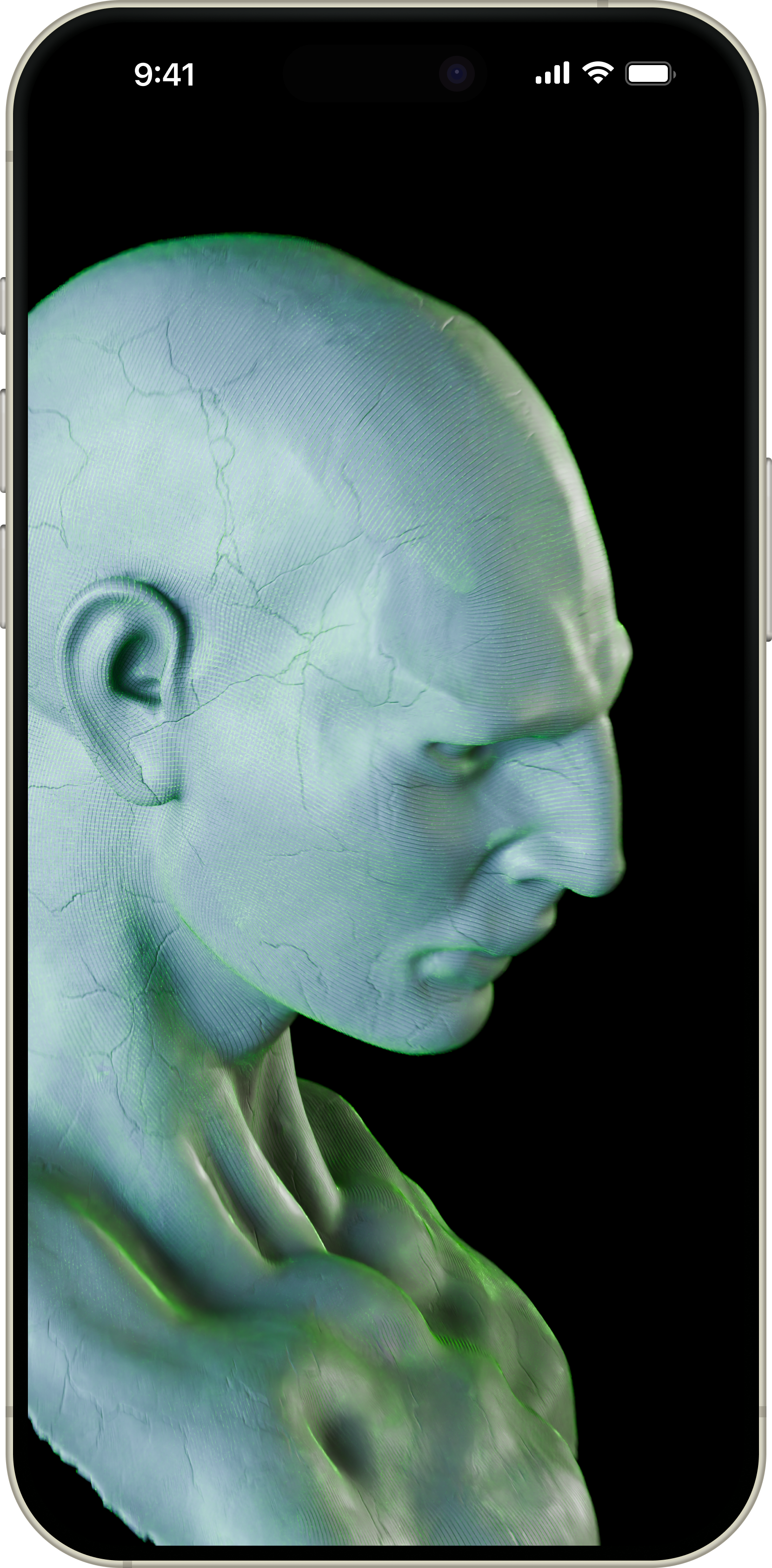
Fast, predictable quad remeshing for Blender 4.2+
Tris → Quads, Tris → Tris (CVT), Decimate, and Repair. Everything you need for triangle meshes in one addon.
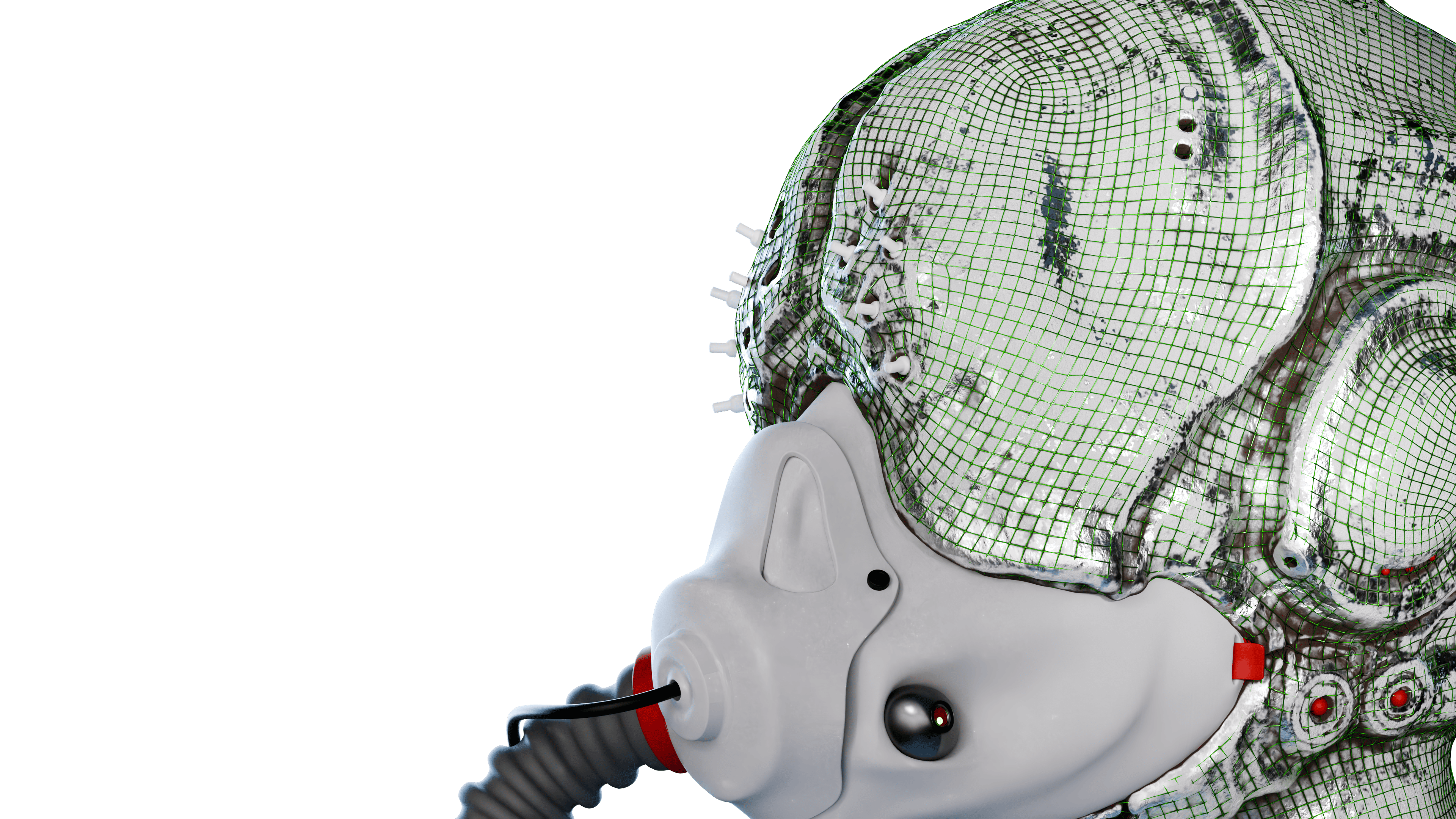
Real-time tracking with non-blocking UI
Process 200k-999k triangles
Target Count + Edge Scaling
Default execution mechanism for maximum reliability. External process ensures stability without interfering with Blender.
Redistribute triangles isotropically or anisotropically to tame chaotic RAW meshes.
Purpose-built triangle simplification that preserves form where Blender's modifier struggles.
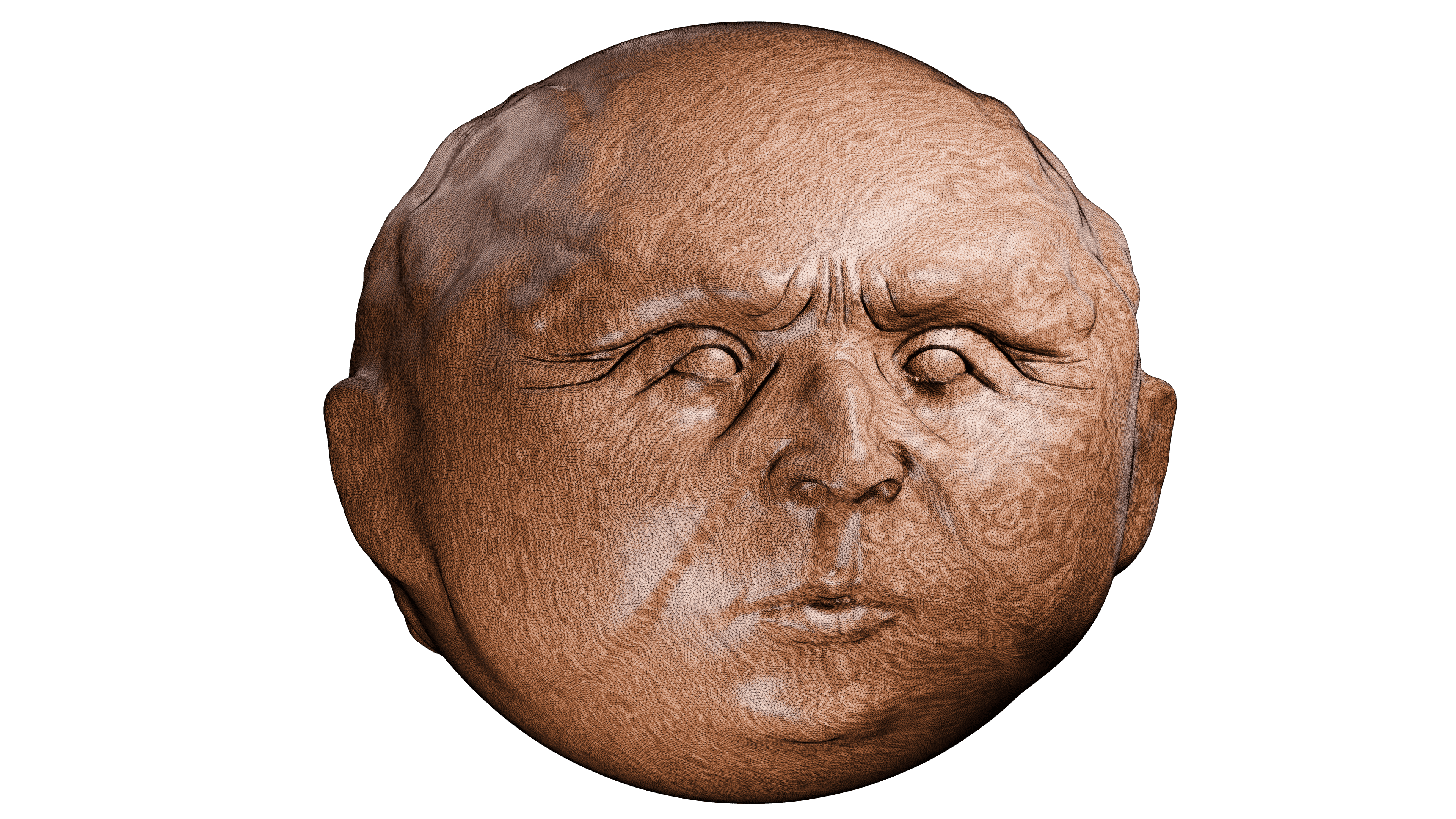
Pick any mesh object in Object Mode — sculpts, scans, AI-generated meshes, game assets.
Select Tris→Quads, Tris→Tris, Decimate, or Repair. Adjust parameters for your needs.
Watch the progress bar and get results. Pipeline support for complex workflows.
Before / After gallery
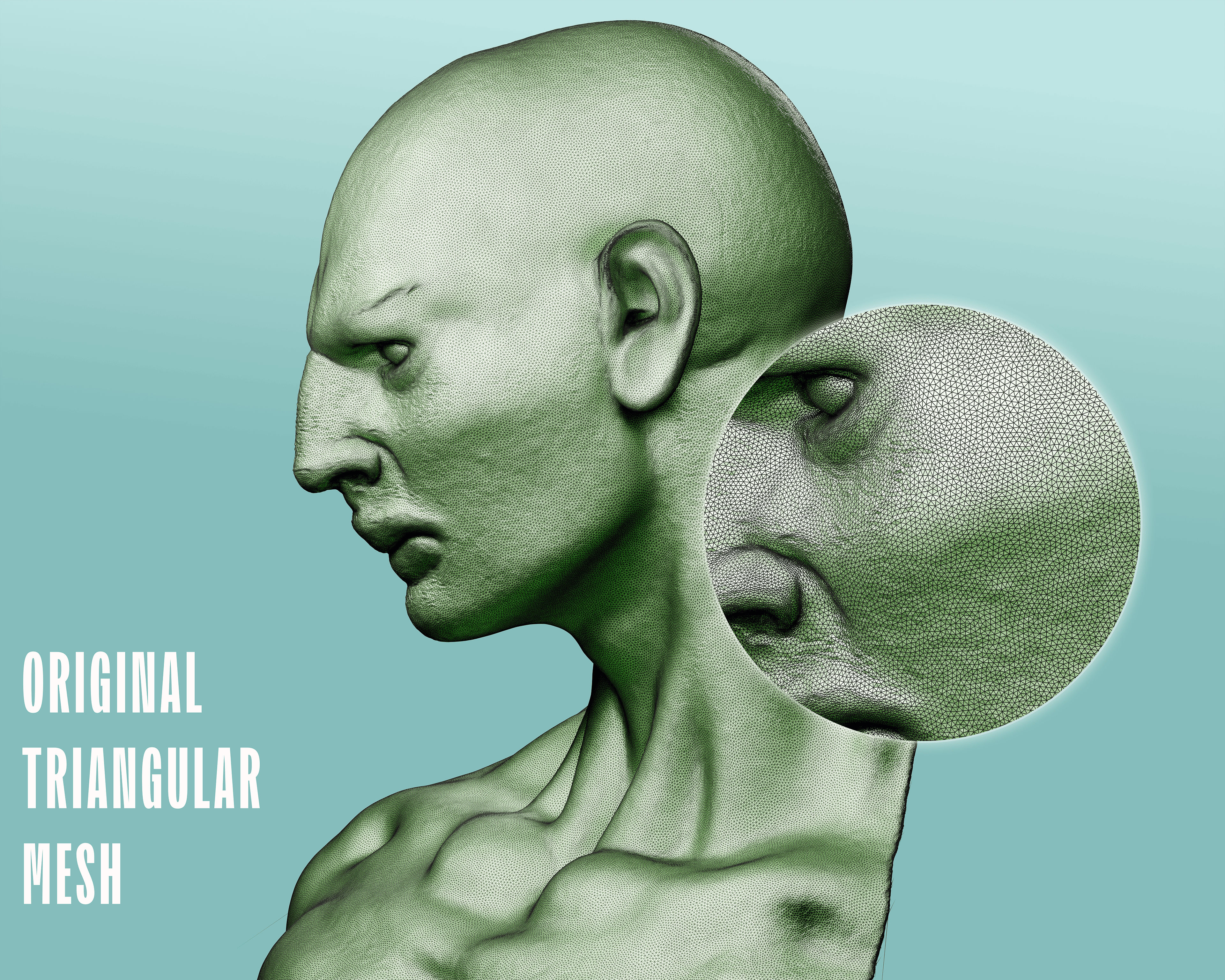
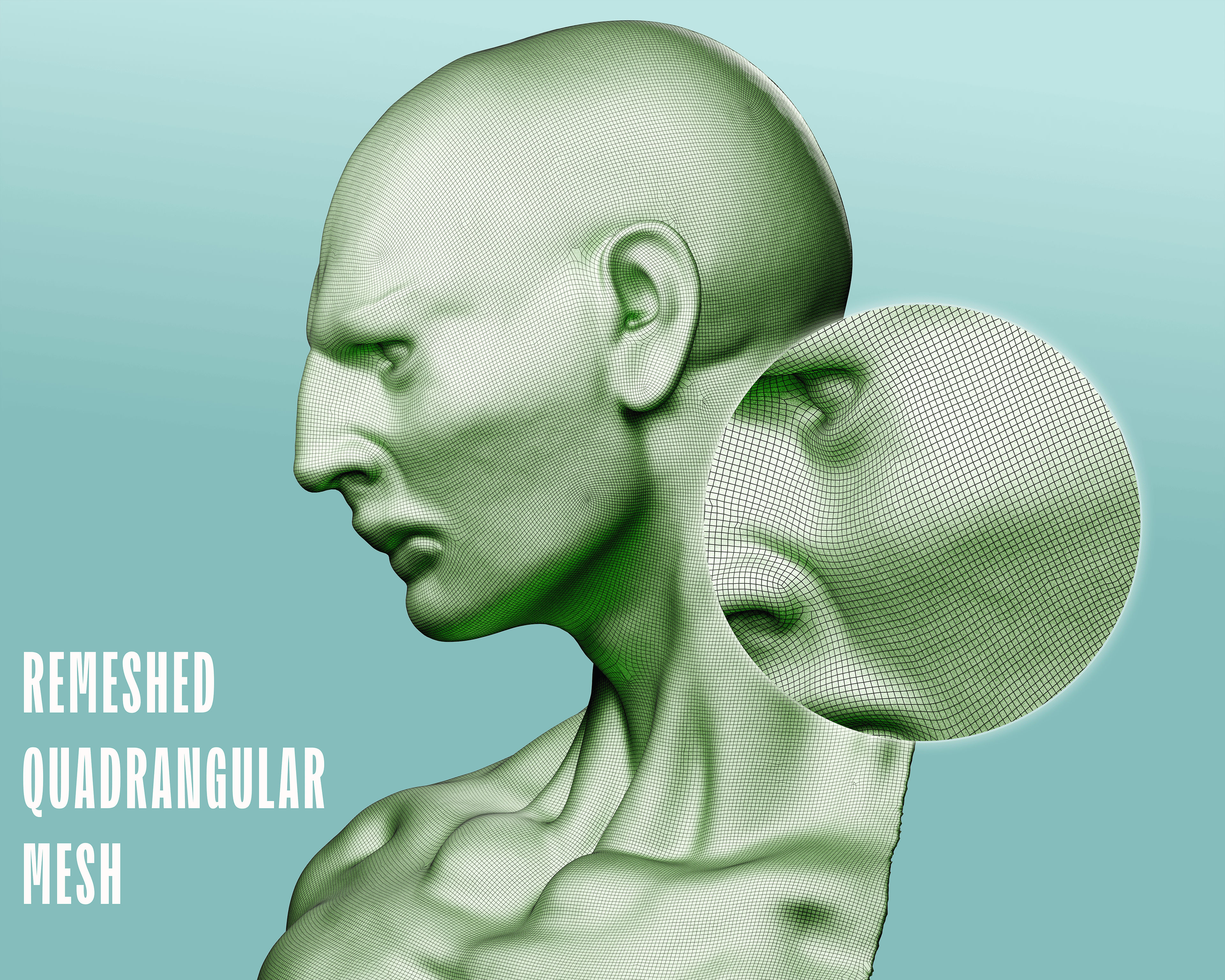
← Drag the slider or click to compare →
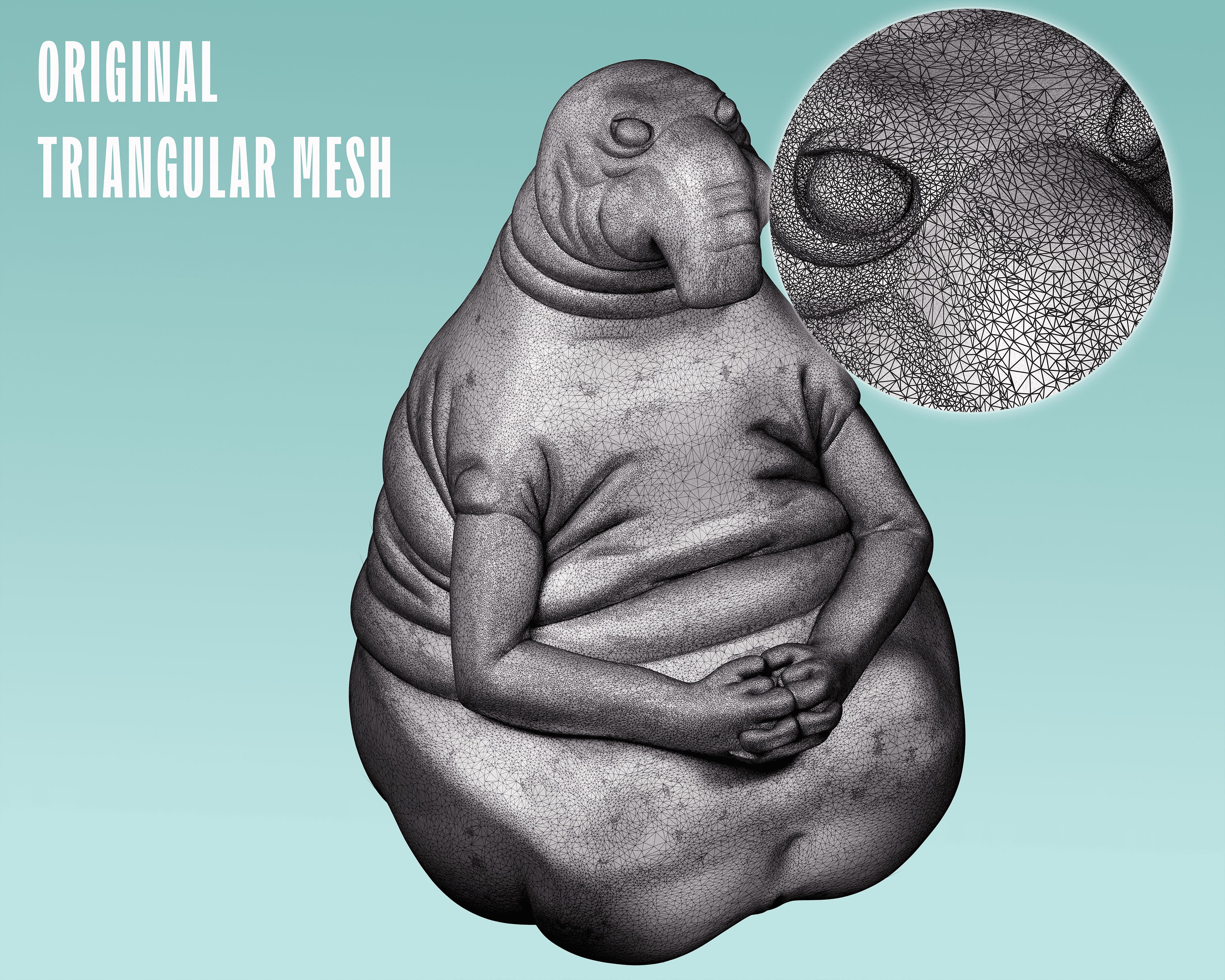
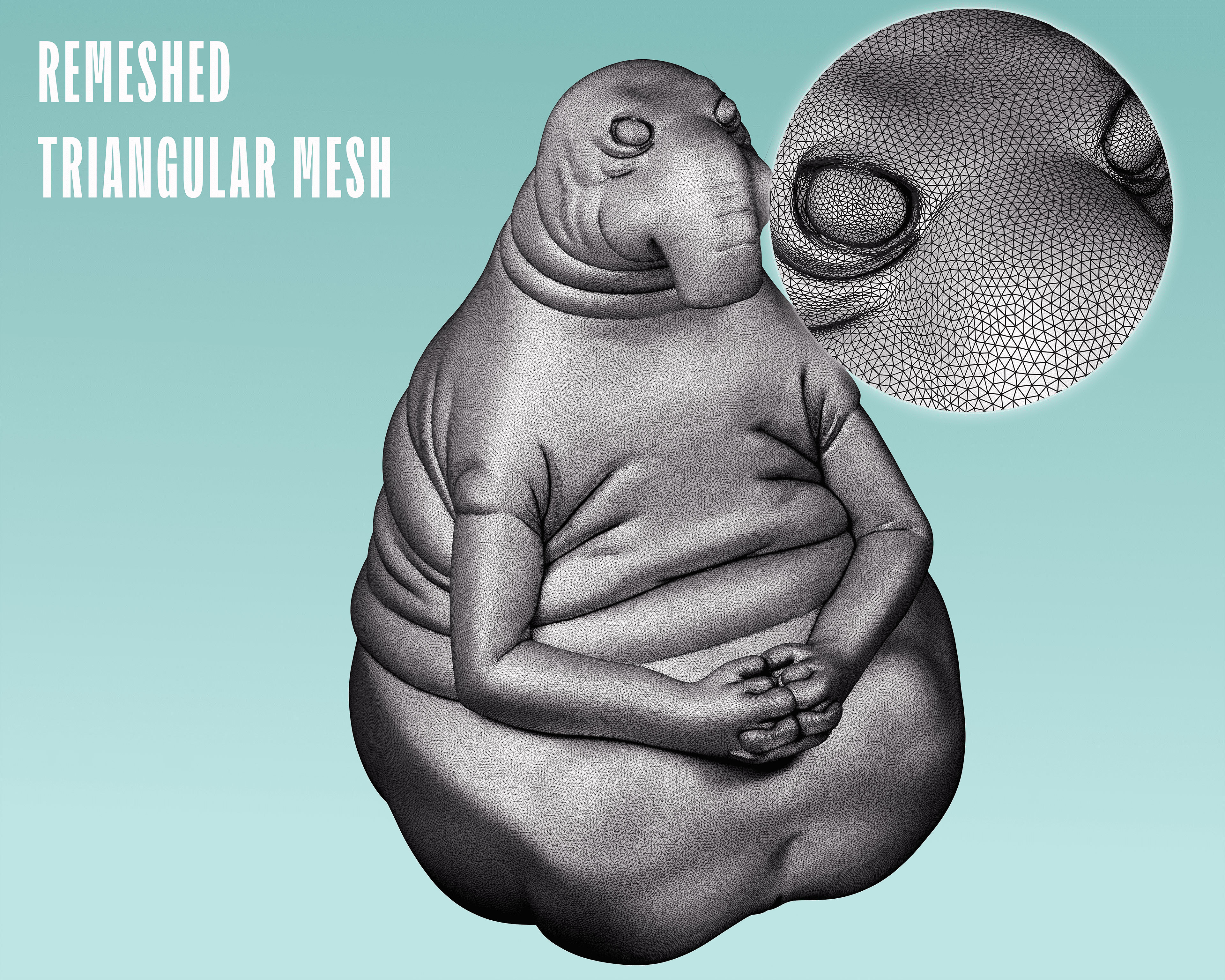
← Drag the slider or click to compare →
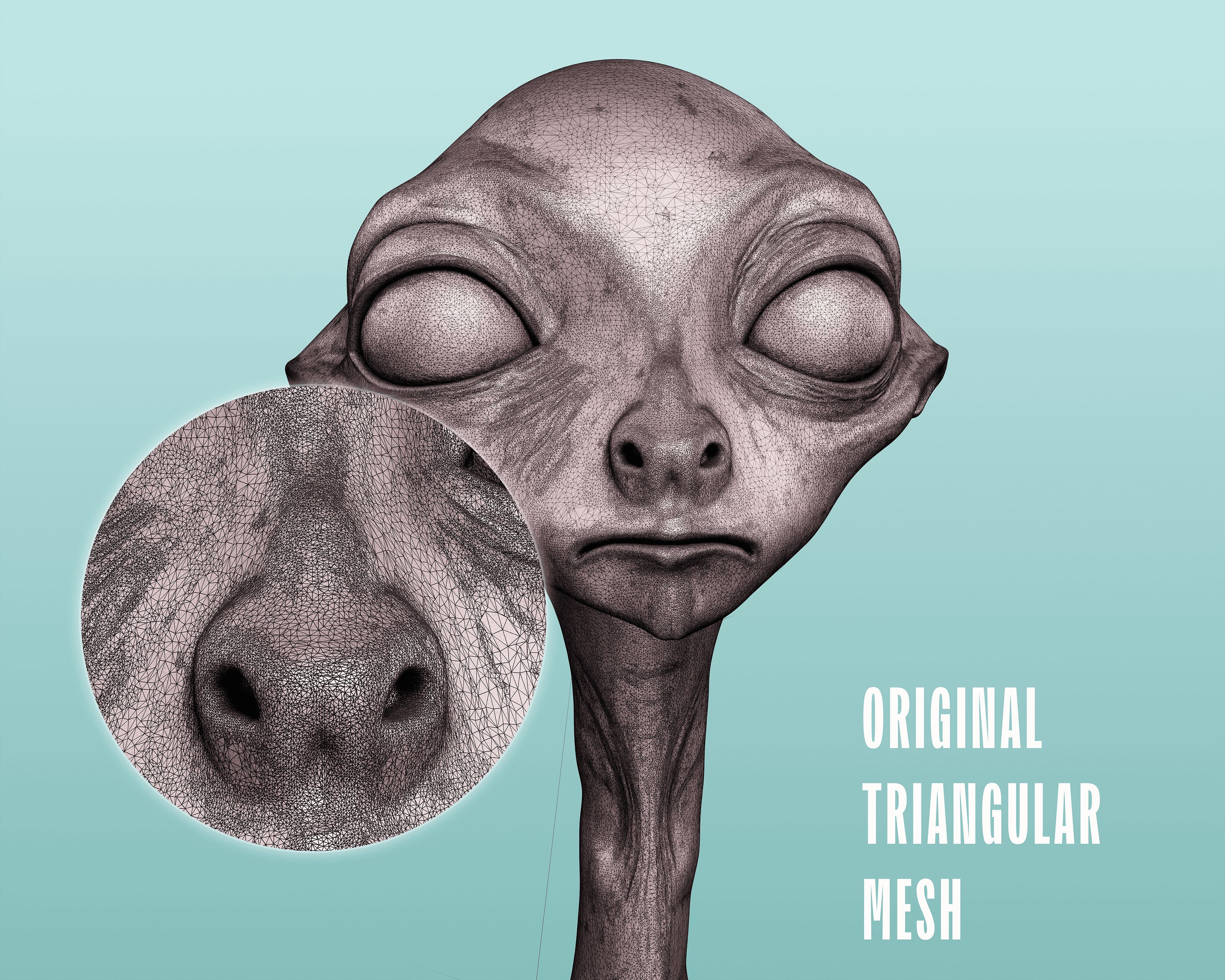
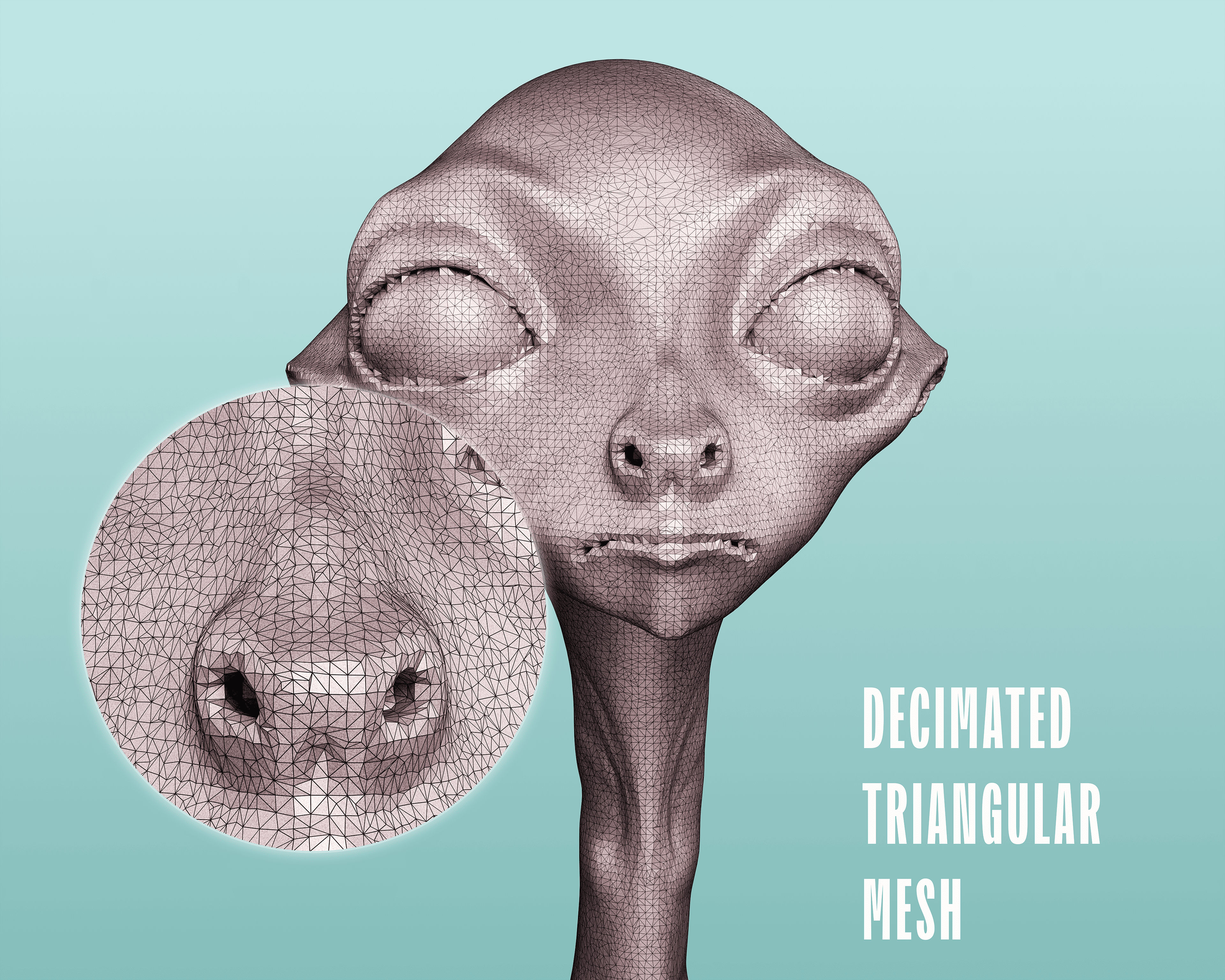
← Drag the slider or click to compare →
From sculpts to animation-ready topology
Post-processing for Hunyuan3D, Rodin, Meshy, Tripo, etc.
Consistent topology for assets and levels
Clean quad flow for architectural models
Designed for medium-to-large meshes (200k–999k tris) on modern CPUs.
Pro tip: For speed in Tris → Quads, lower the target or increase scaling slightly.
.png?updatedAt=1763338335473)
Choose what's best for you, you won't regret it.
$15/one-time
$20/one-time
AutoRemesher NOW! + Mutamesh
.png)
✅ Windows 11 x64 (tested)
⚠️ macOS arm64 (supported but not yet tested)
✅ Blender 4.2 and newer
Join studios and freelancers who trust AutoRemesher NOW! for all their triangle mesh needs.
Questions? anghelescugiambattista@gmail.com — we usually reply within 24 hours.