Pick the photograph
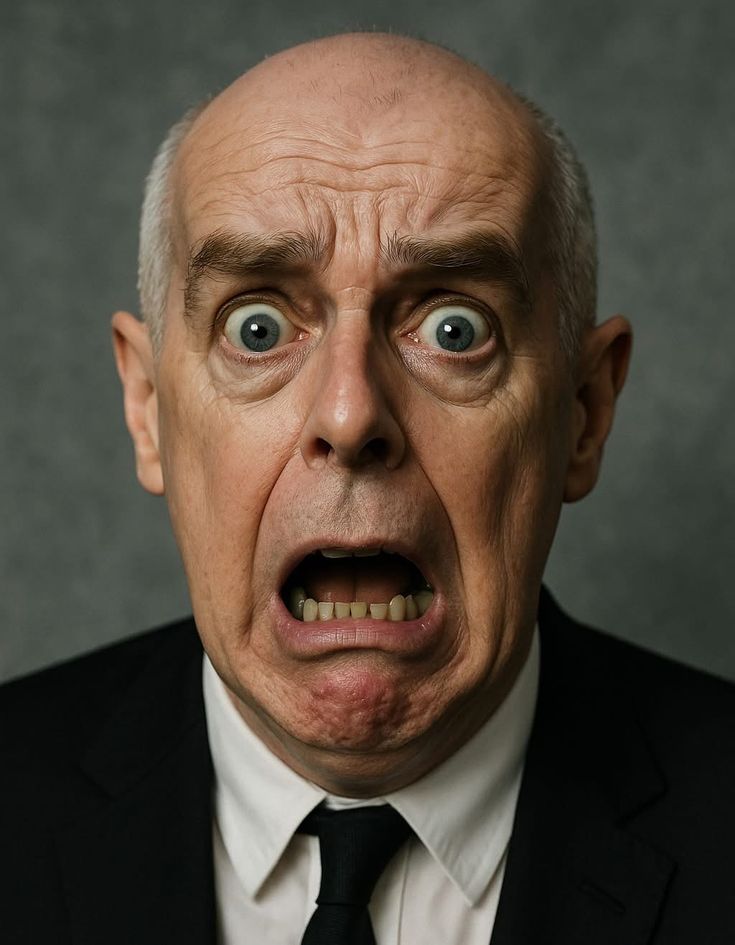
Any photo of a face making the expression you need — the director's reference, a frame of an actor's audition, your own camera roll. The closer to frontal, the better.
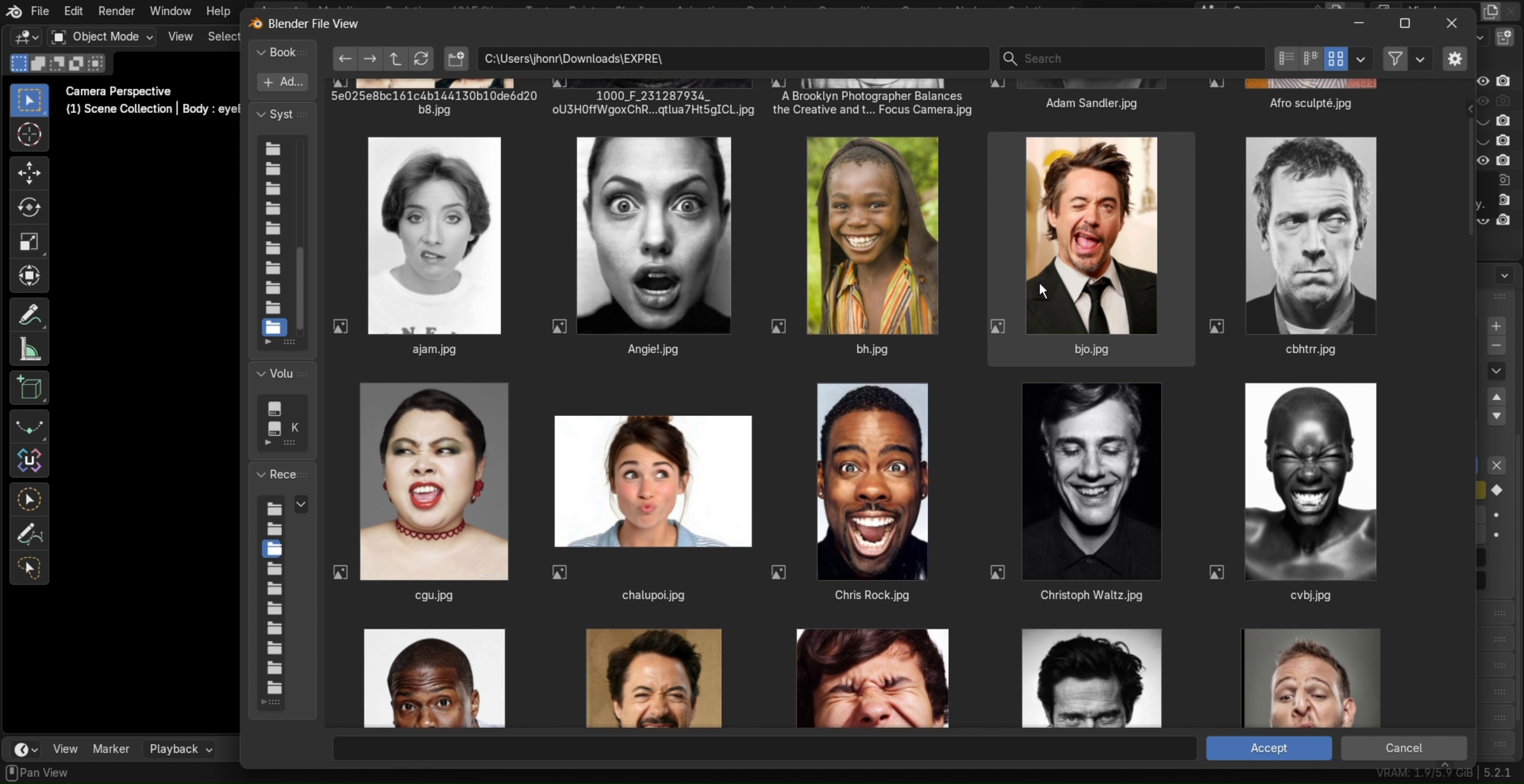
ImageRig reads a single photograph and writes the full ARKit expression straight onto your character's shape keys — inside Blender, completely offline, in under a second. Need a snarl for the close-up, a raised brow for the story beat, a grin for the poster? The photo is the direction; ImageRig is the performance.
And yes — the name sounds familiar on purpose: ImageRig is the little brother of AudioRig, our Super Hive Market add-on that makes the same ARKit characters perform, baking full facial animation and lip-sync from an audio file. ImageRig poses the frame. AudioRig plays the scene.
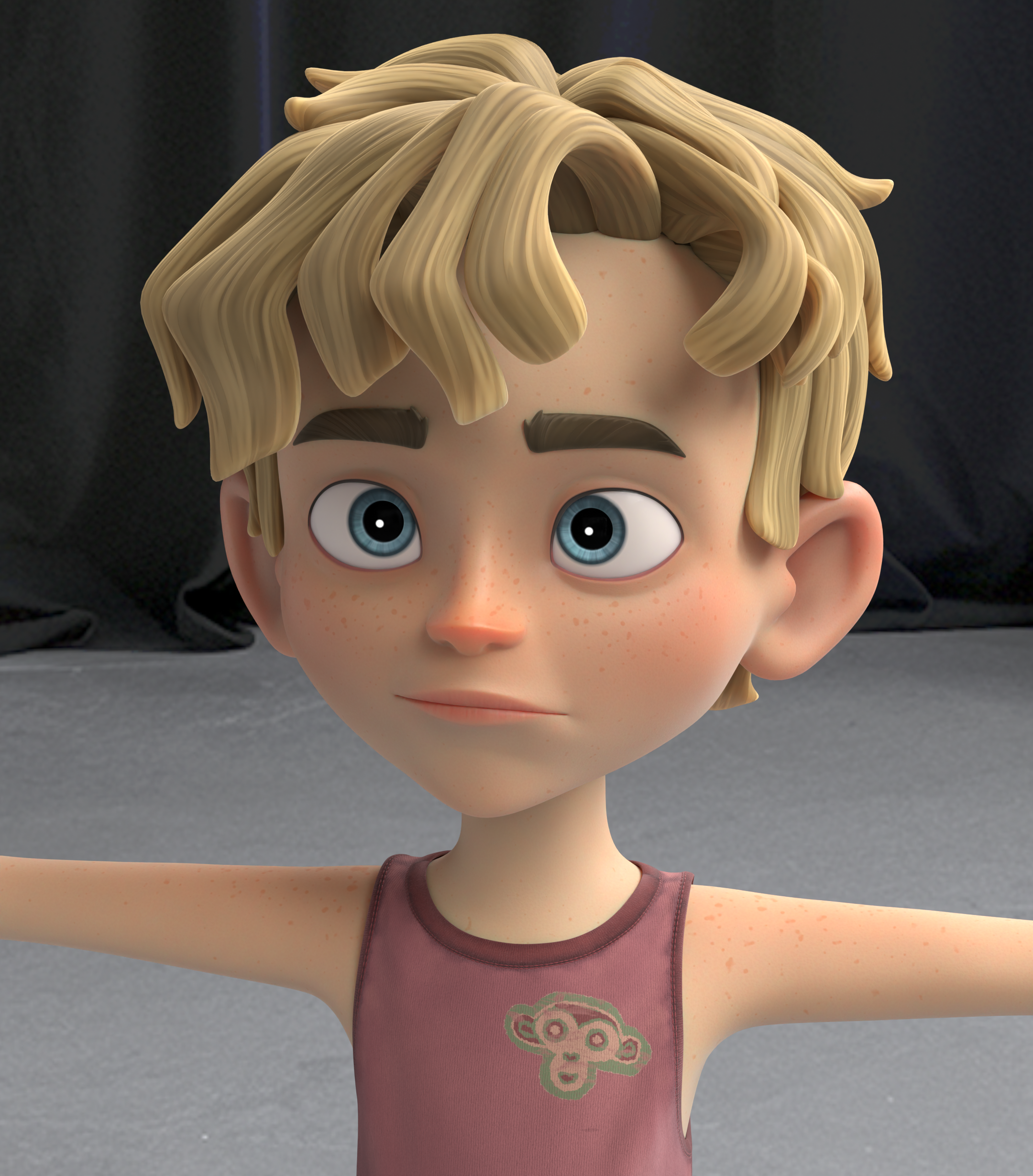

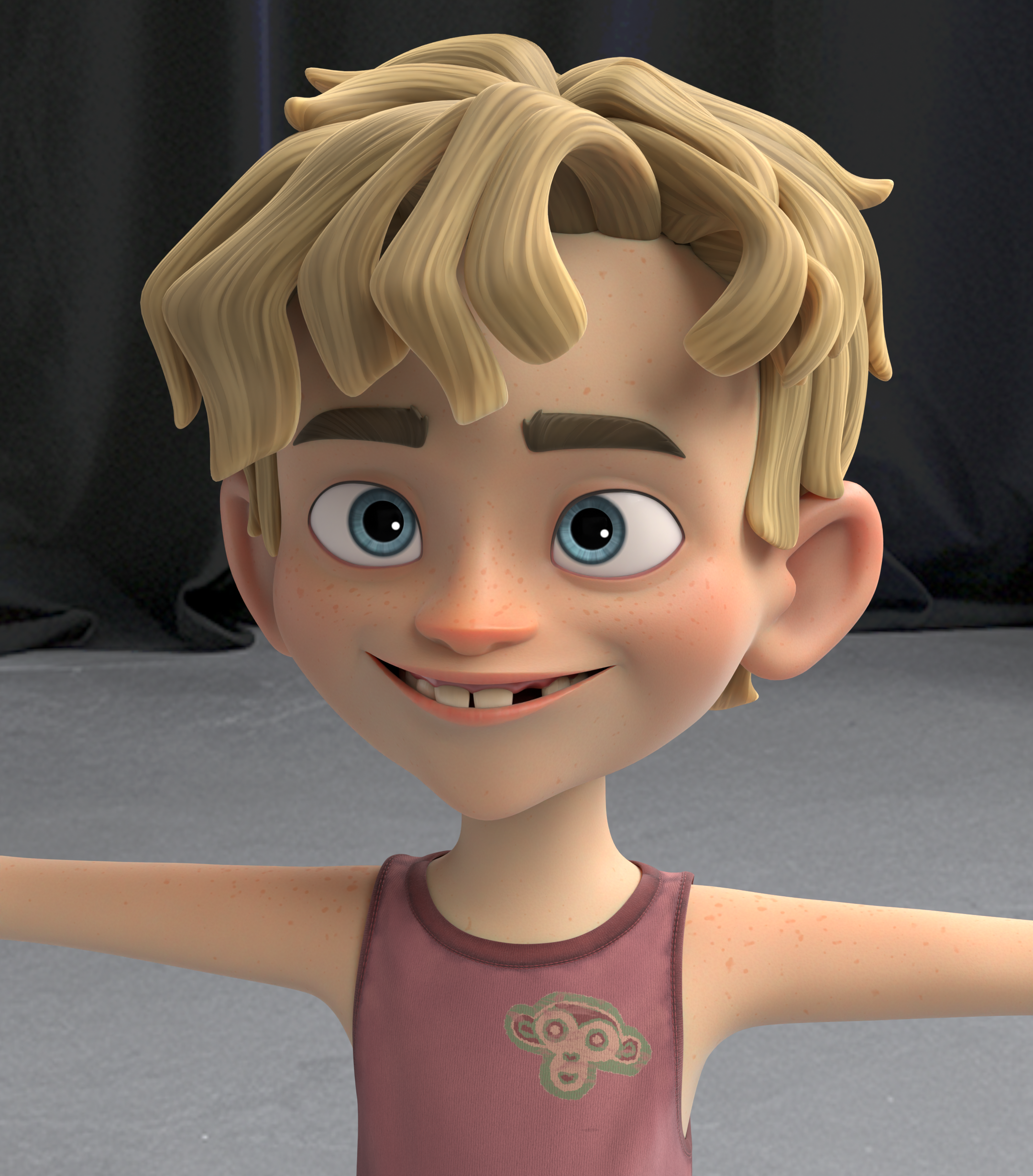
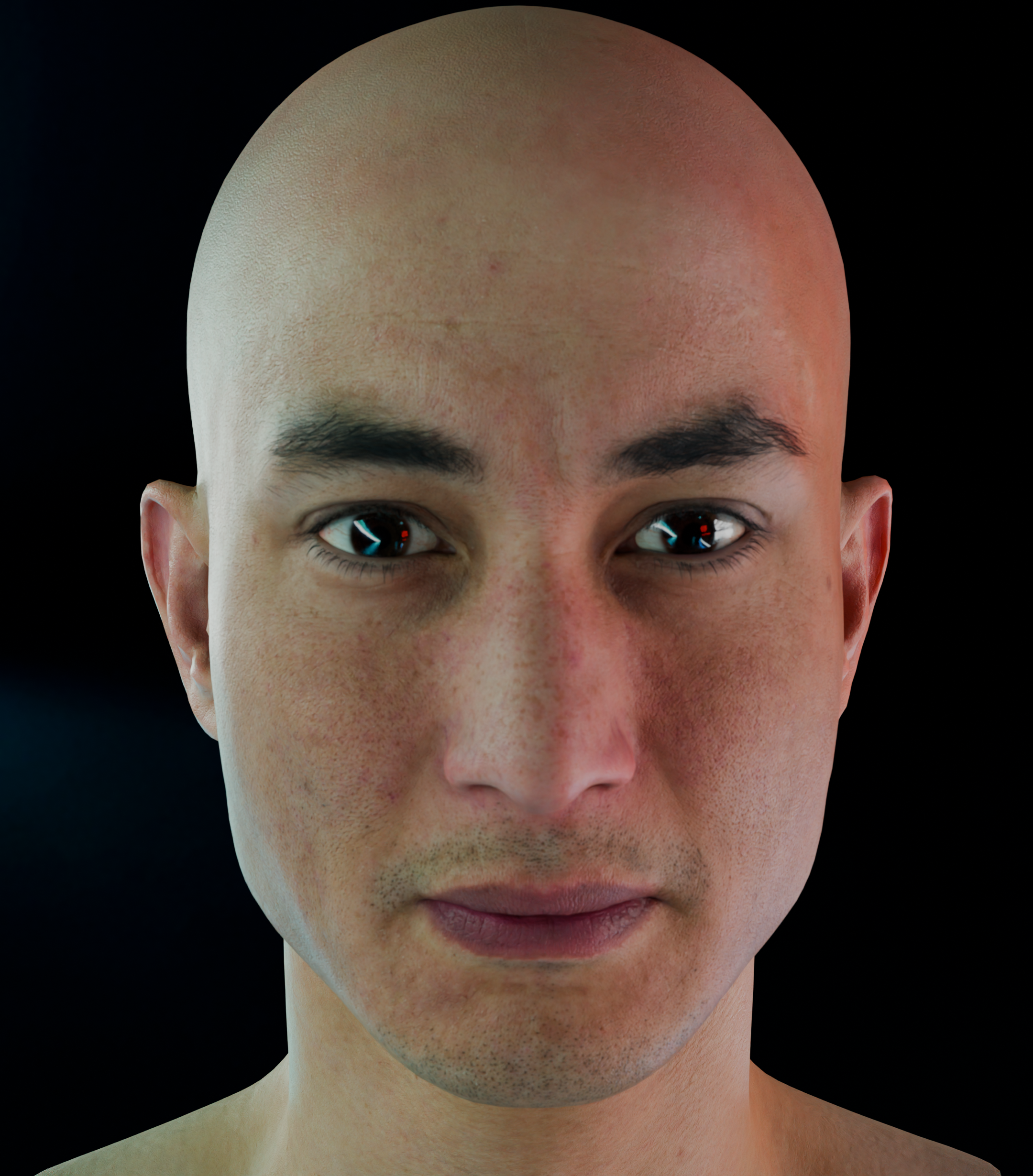
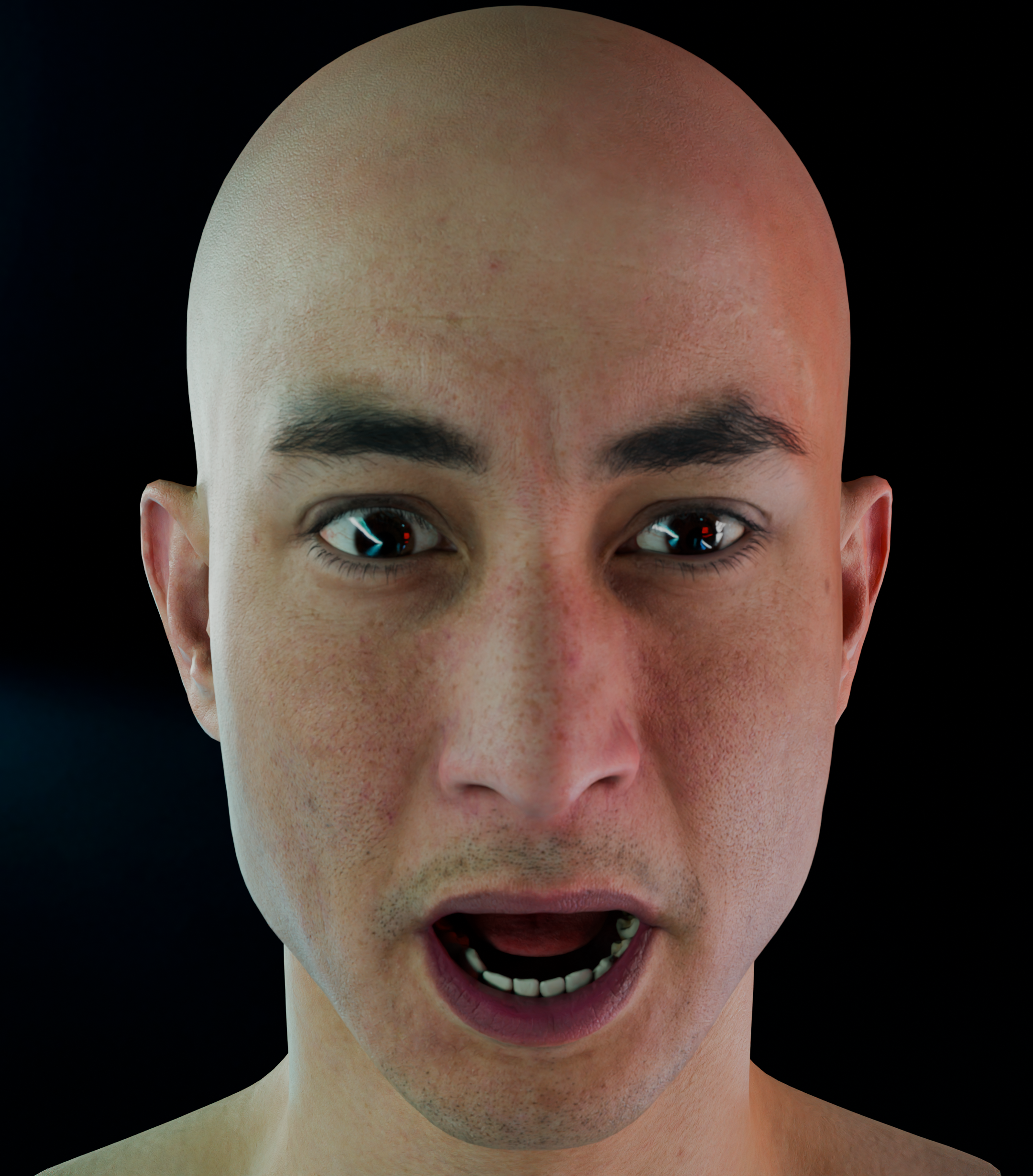
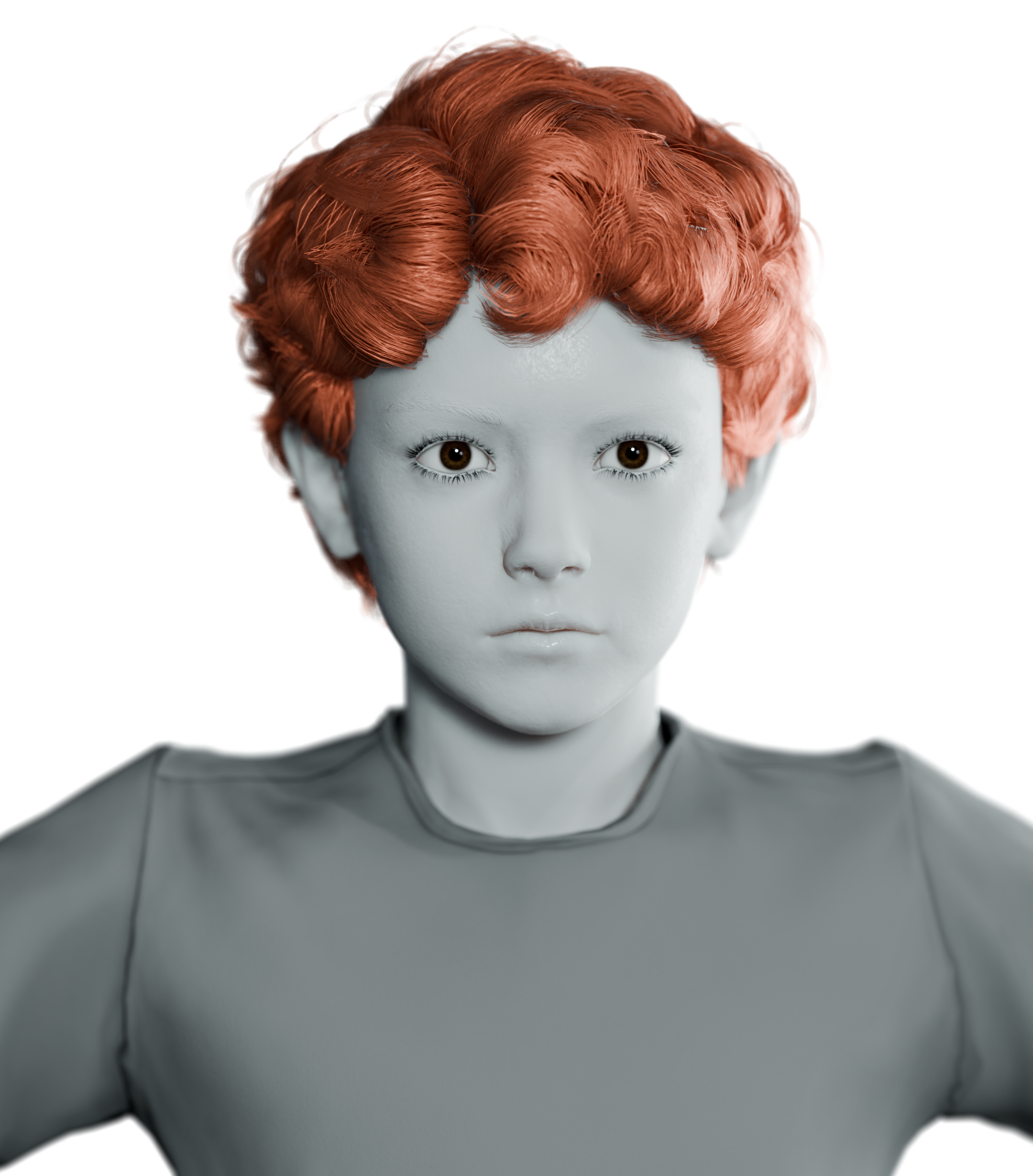

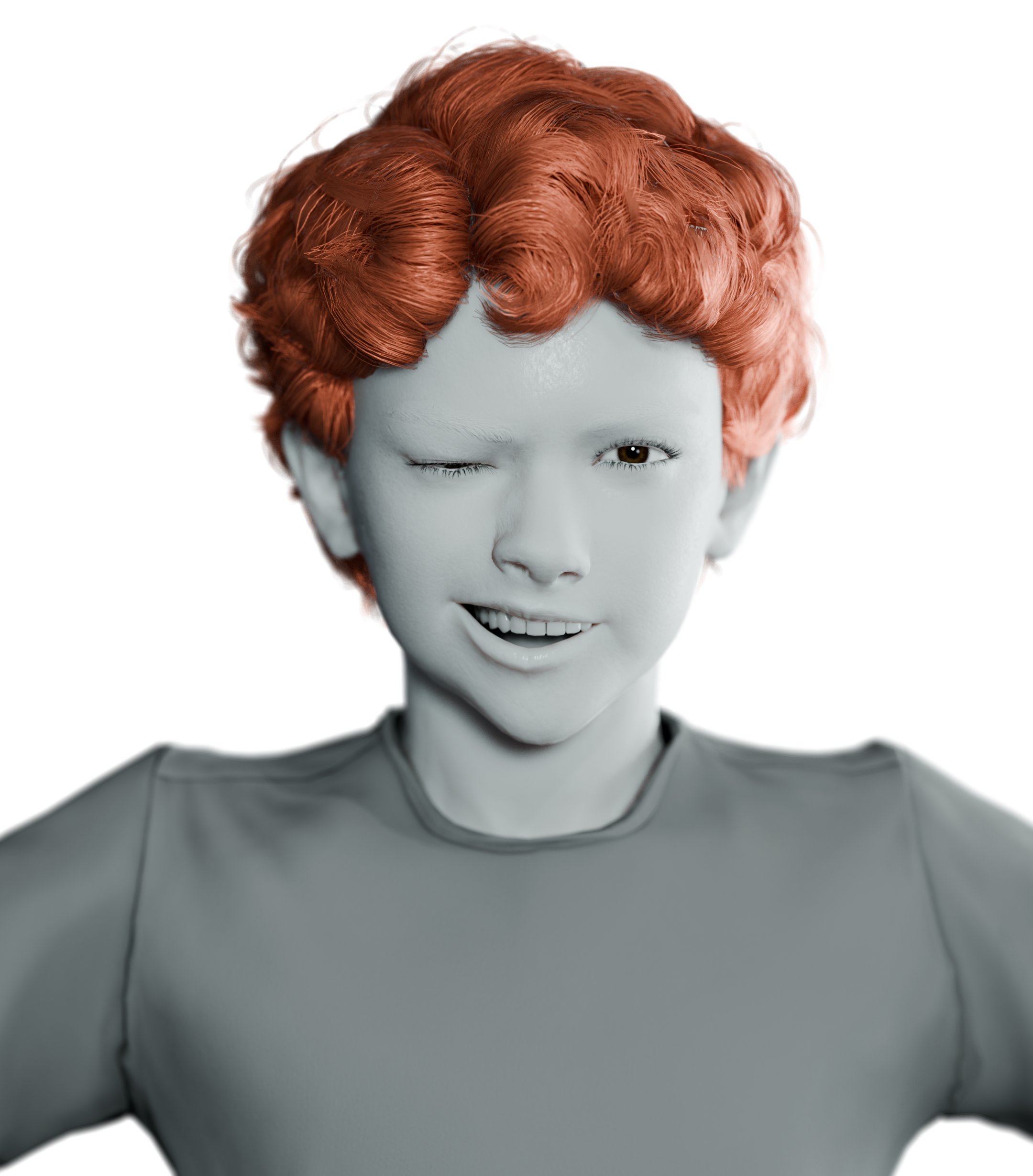
No rigging sessions, no shape-key sculpting, no export round-trips. ImageRig lives in your sidebar.
Any photo of a face making the expression you need — the director's reference, a frame of an actor's audition, your own camera roll. The closer to frontal, the better.
ImageRig reads the 52 ARKit coefficients from the photo, cleans them with the quality pipeline, and writes them straight onto your rig's shape keys — eyes, teeth and tongue included.
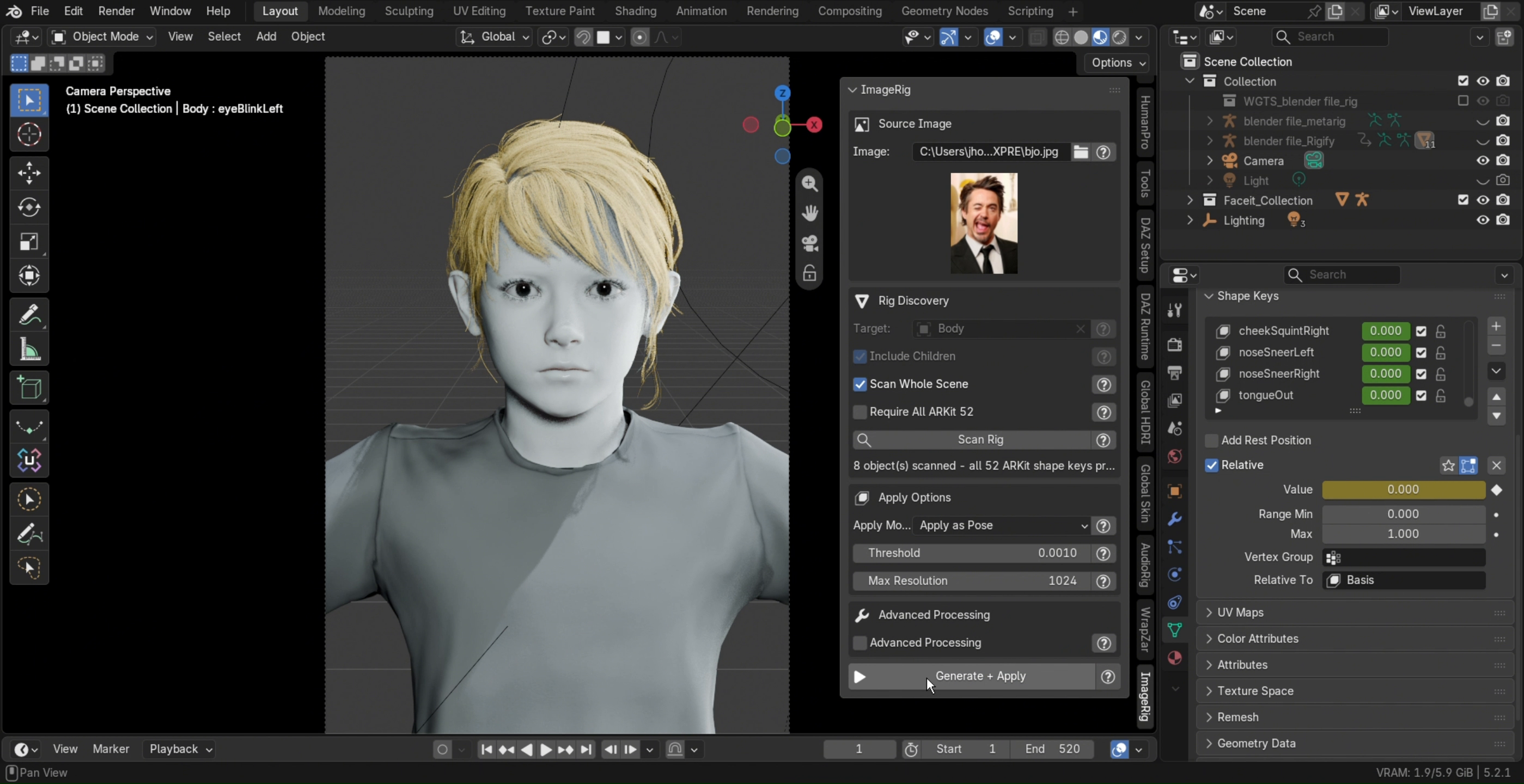
Silence micro-noise with the threshold, strip resting bias with a neutral capture, or pick a calibration preset for stylized rigs. Every result stays editable — shape keys are just shape keys.
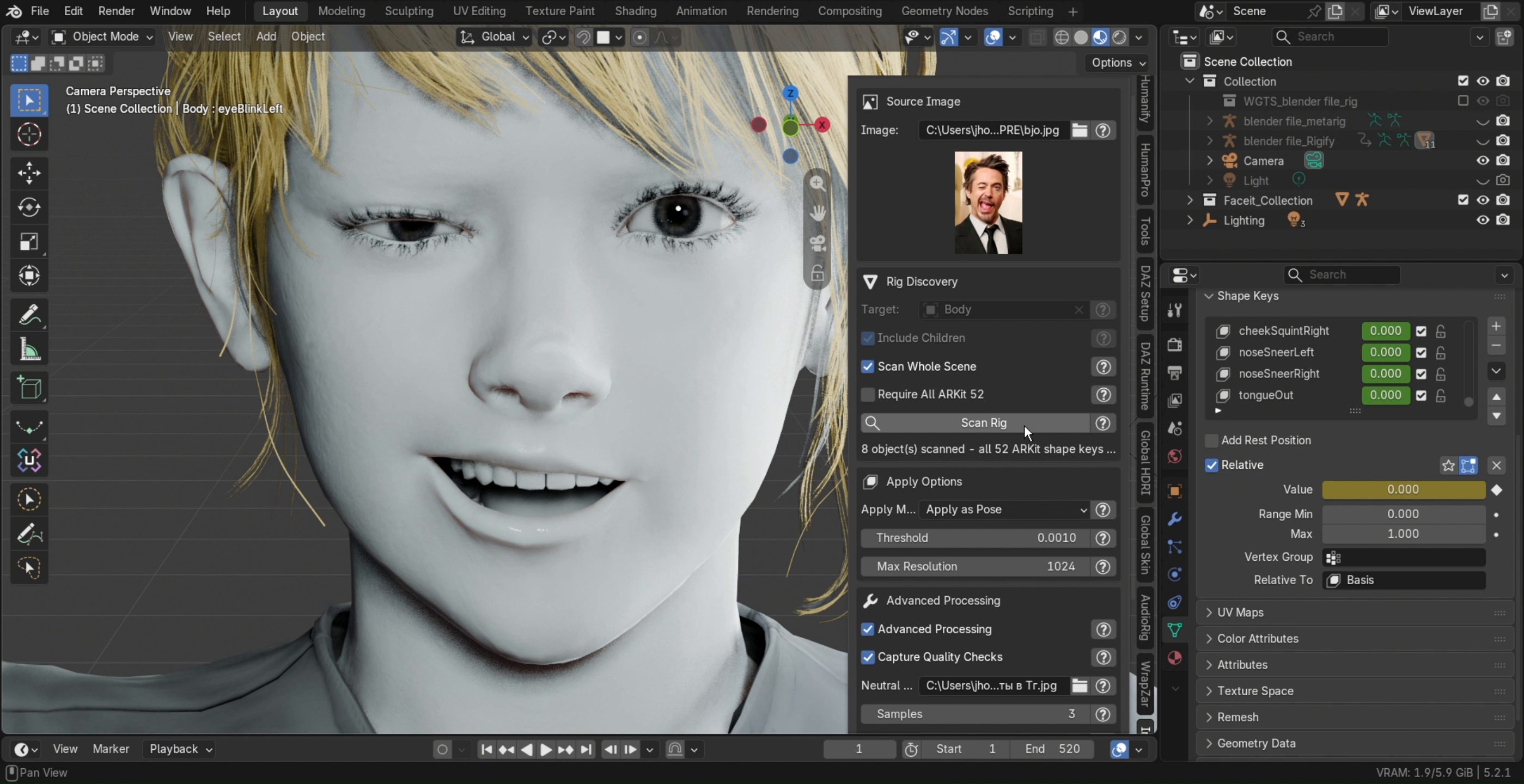
The face engine and every component ship inside the extension. No account, no uploads, no telemetry — your photos never leave Blender.
MetaHuman exports, Rigify face rigs, marketplace head rigs: if the shape keys use the ARKit 52 naming, ImageRig finds them and fills them.
Asynchronous pipeline: Blender stays responsive, a progress bar tracks the run, and the expression lands while you watch the viewport.
Every card below is one Generate + Apply away — one face, six directions.
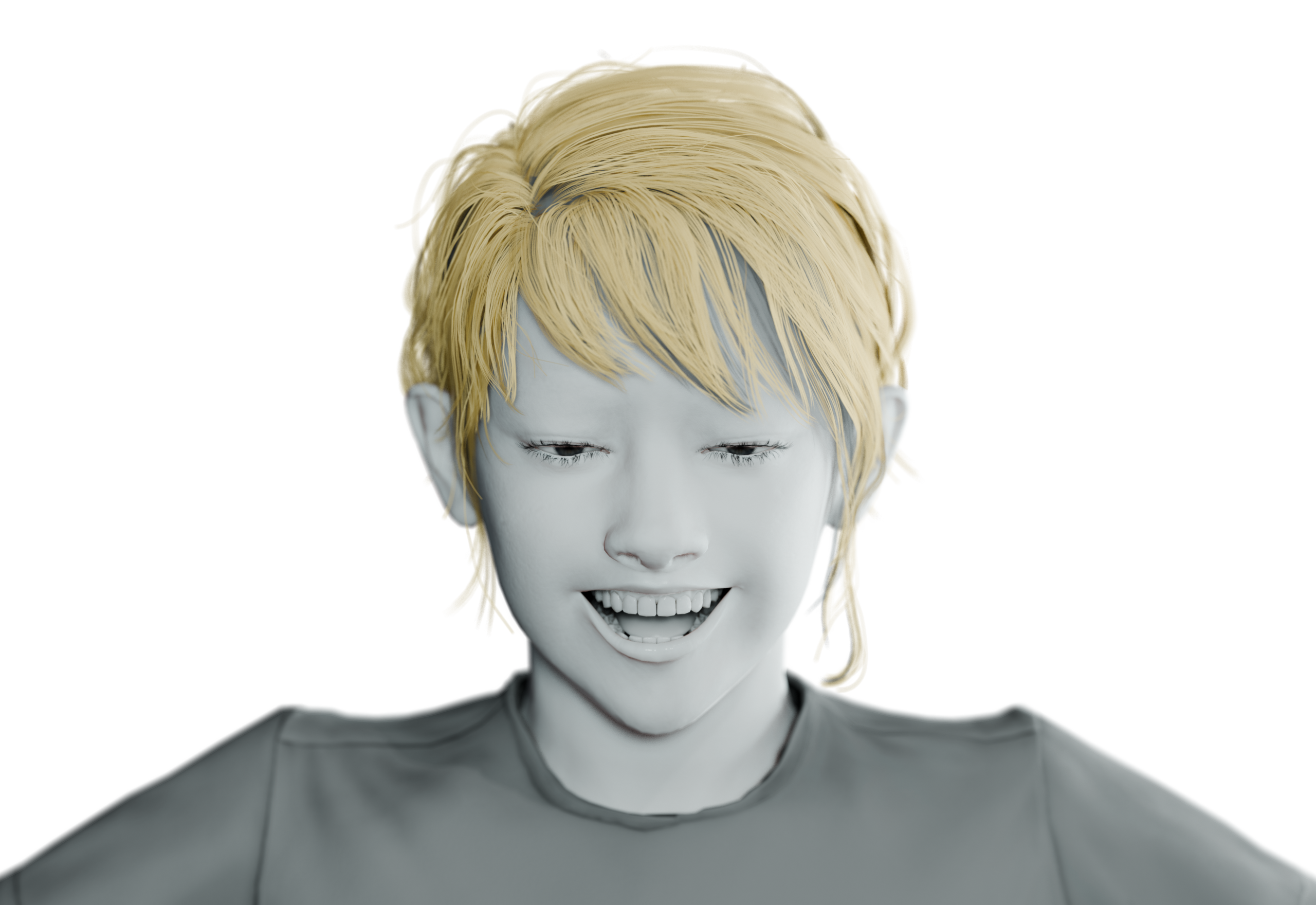
Wide grin, cheeks up — the poster-frame smile, straight from a selfie.
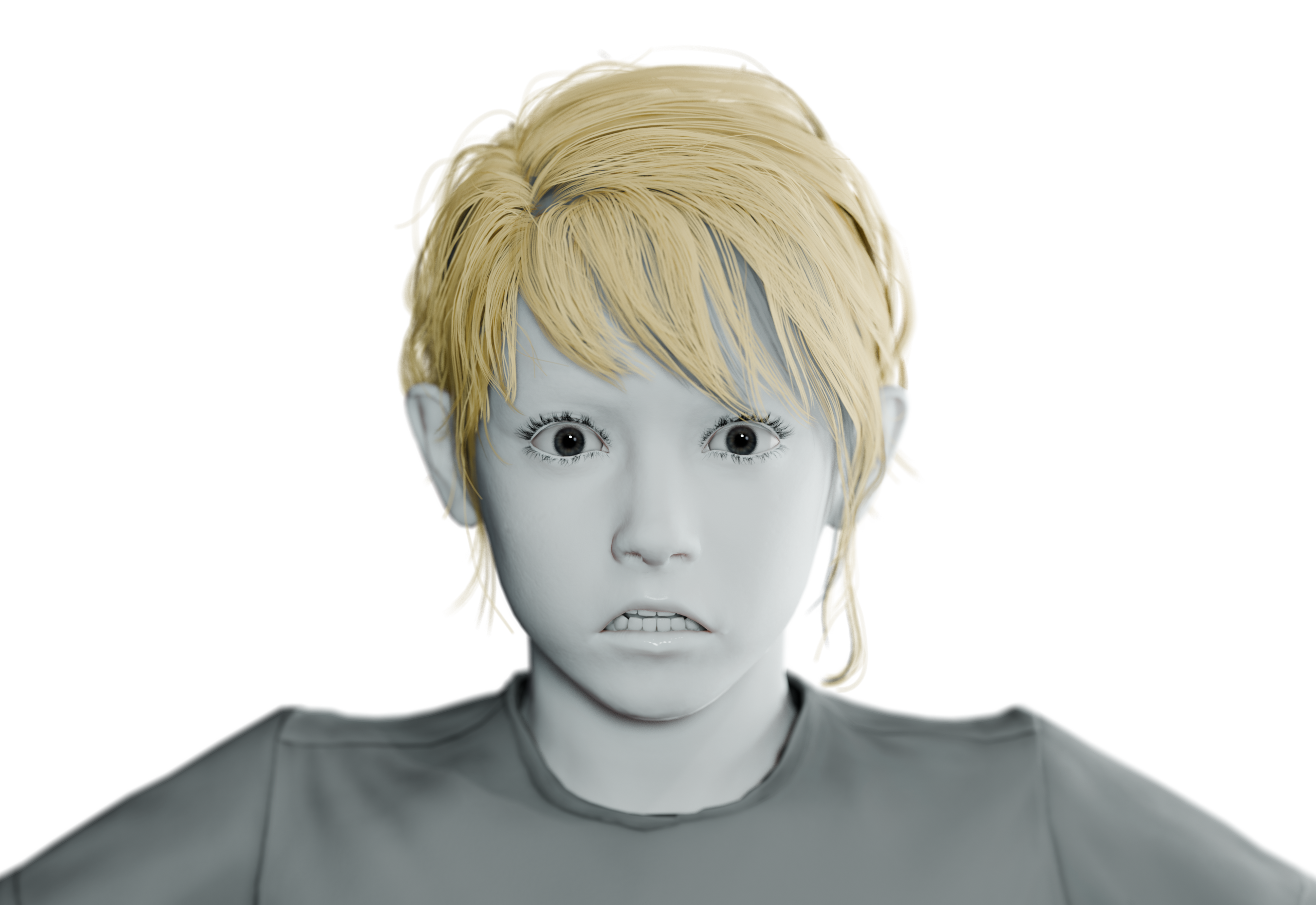
Brows pinned high, eyes wide — the beat before the turn.
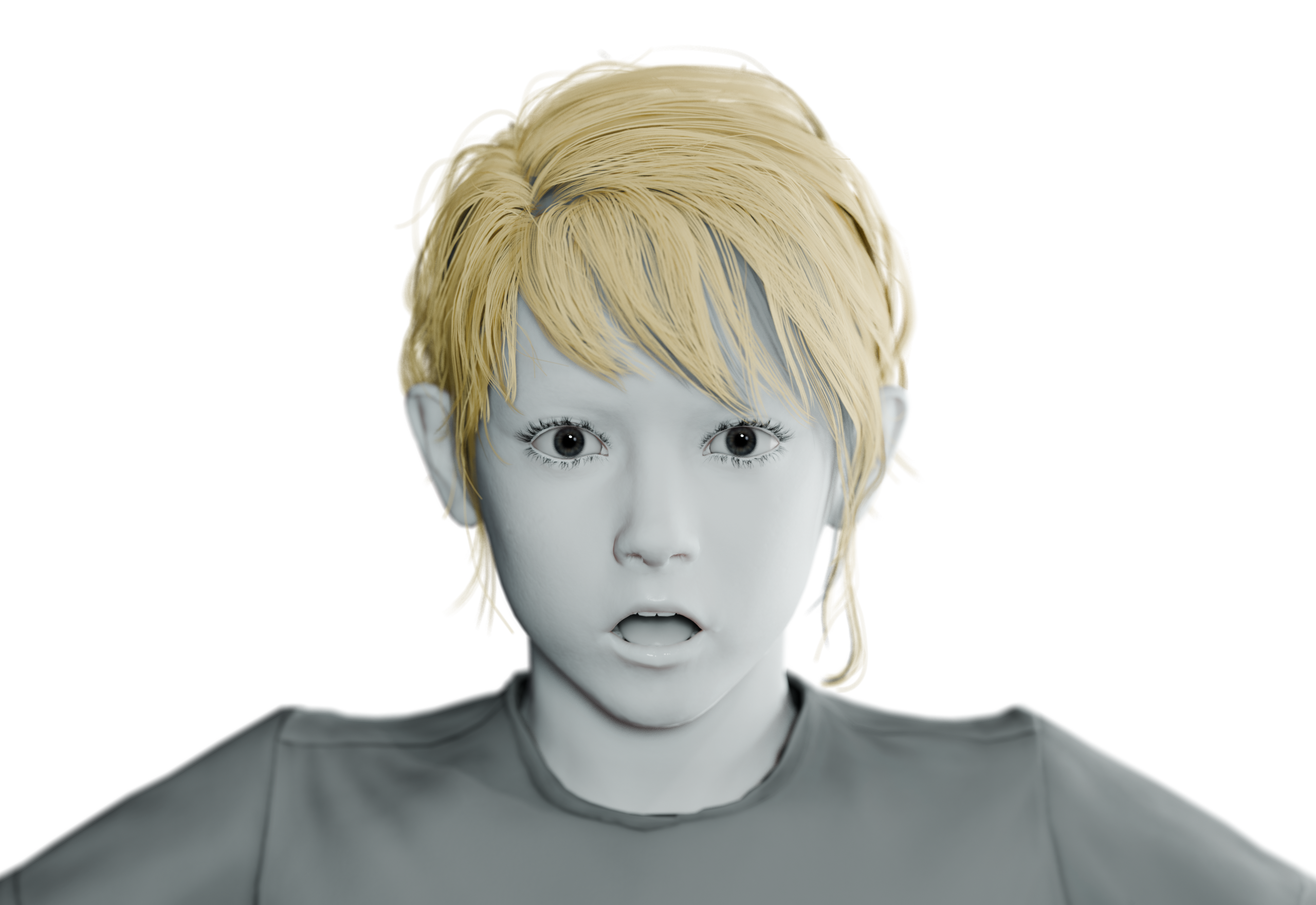
Jaw dropped, brows high — the reaction shot you were missing.
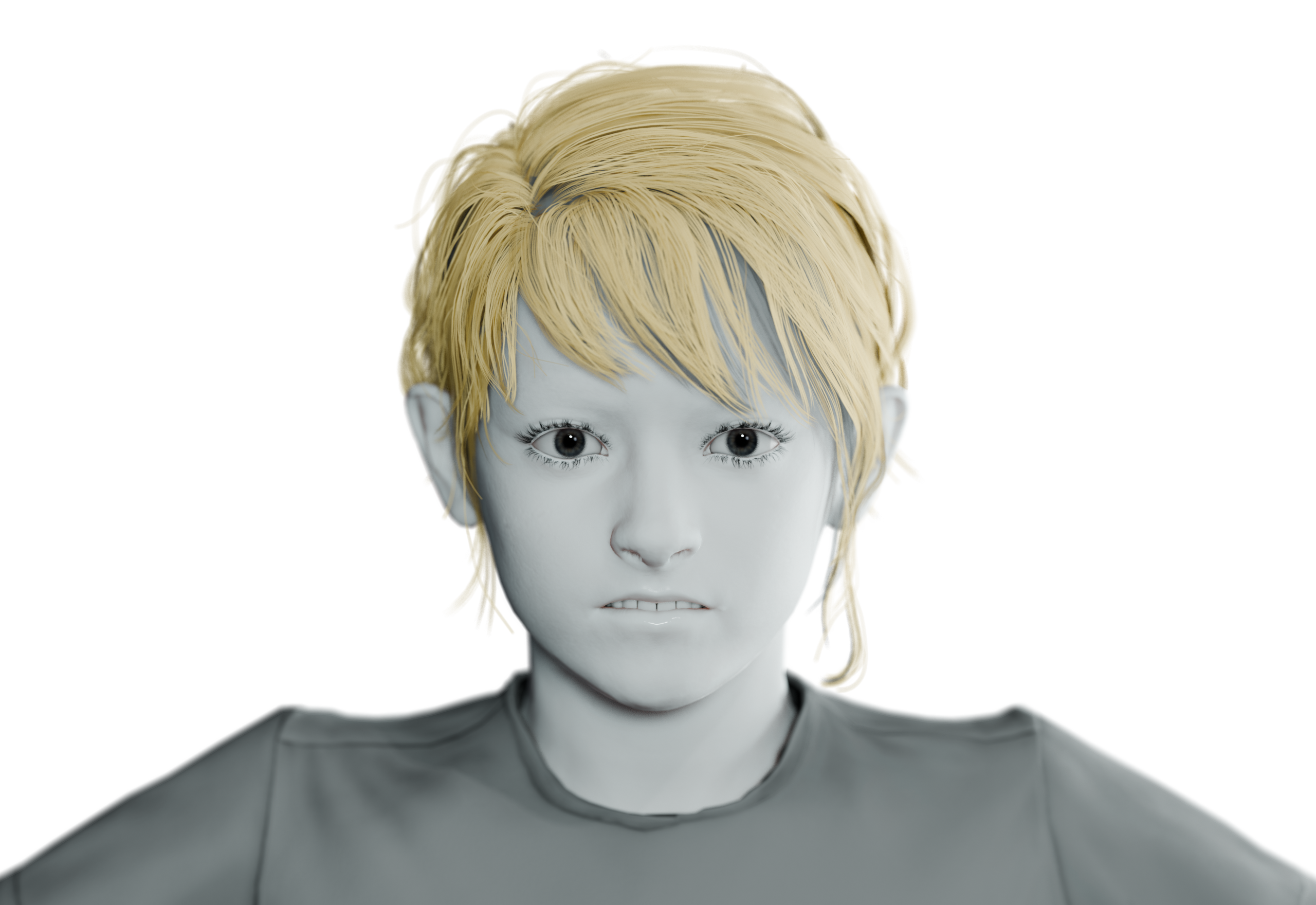
Nose sneer and lip raise — the micro-expression rigs never get right.
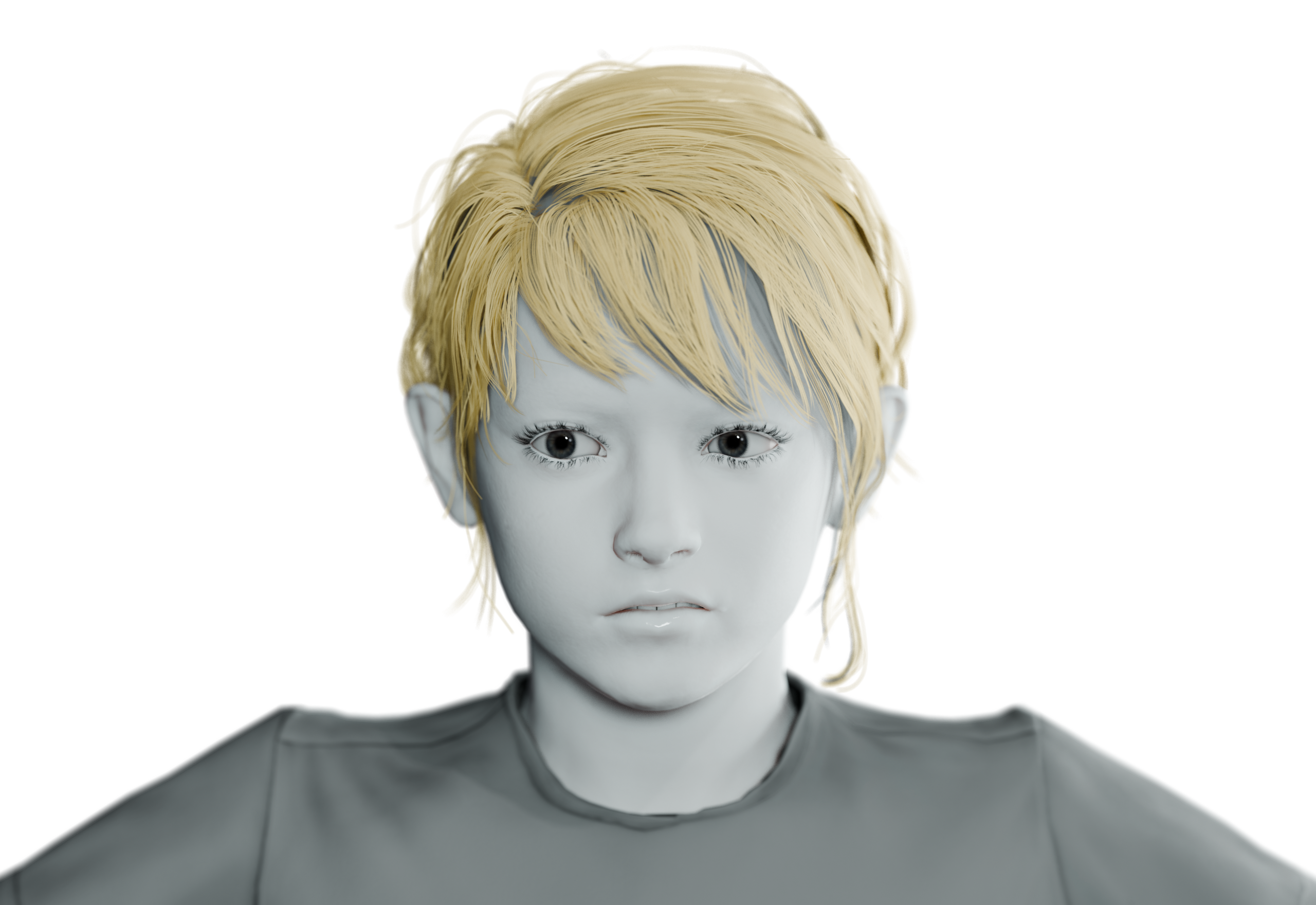
Half snarl, one side — asymmetric direction from an asymmetric photo.
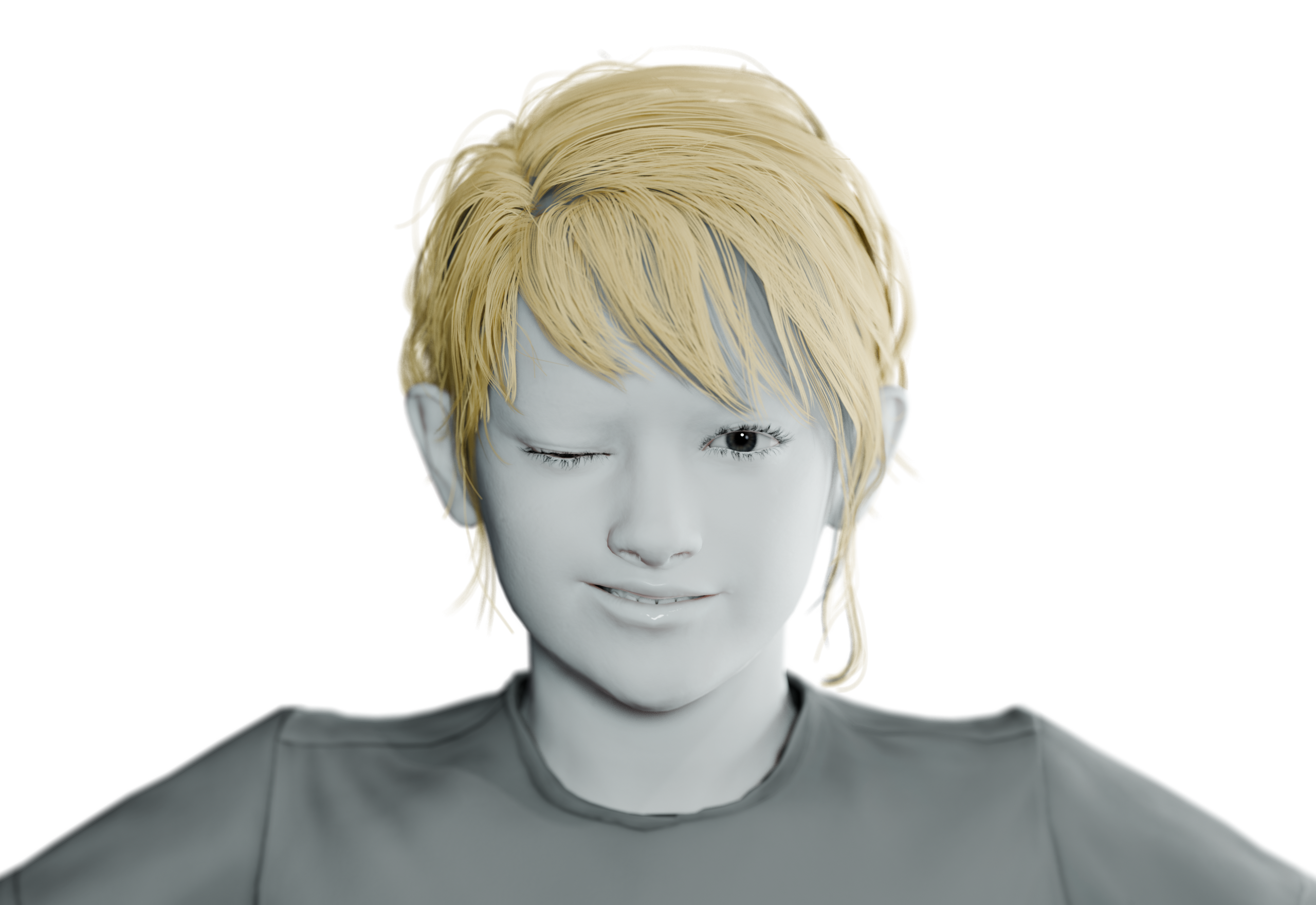
One eye closed, smile loading — personality in a single frame.
A time-lapse of the full loop: pick the photo, press Generate + Apply, watch the face move.
ImageRig is available on Super Hive Market. And when your character needs to talk — its older brother AudioRig is already there.